Choose by your goal and access to the source
You have the source and need to change visible wording
- Edit a copy of the originating document and export a new PDF. Adding text over a scan is not replacement of the original wording.
- Reopen the new PDF and check the changed phrase, line breaks and page count, both visually and through search and copy. Exporting from the source does not guarantee identical fonts or structures.
You only have the PDF and need search or reusable text
- Try selecting and copying one sentence. If real text matches the page, extract it and check numbers, tables and reading order against the original.
- An image-only page needs OCR. Compare recognized text line by line with the image and correct misread numbers or names. Recognition does not by itself edit visible scanned pixels or preserve the original layout.
- Recheck existing hidden OCR text too. This experiment uses a manually inserted hidden date; it does not measure an OCR product’s recognition accuracy.
You only have the PDF and must change the visible scan
- Ask the author for an editable source if possible. Otherwise, recreate the necessary content in a new document and review it as a reconstruction, distinct from the original.
- Even when OCR supplies text, the visible wording, fonts and layout may need rebuilding. A change to hidden text alone does not establish a change to the image.
You want to keep the original and add an explanation
- Read the PDF editing compatibility guide, then use Open PDF → New text box in the workbench. Do not convert blocked documents to bypass structural checks.
- Place the explanation in unused space. Review → Download checked PDF, then reopen it. This adds separate explanatory text; it is not OCR or replacement of the original.
These choices help identify the task. We have not tested or recommended a particular external OCR or reconstruction product, version, price or upload behavior. Check its official processing and cost information before use. The observed experiment here compares display and extraction in our own PDFs; it contains no successful external OCR run.
Problem and conditions
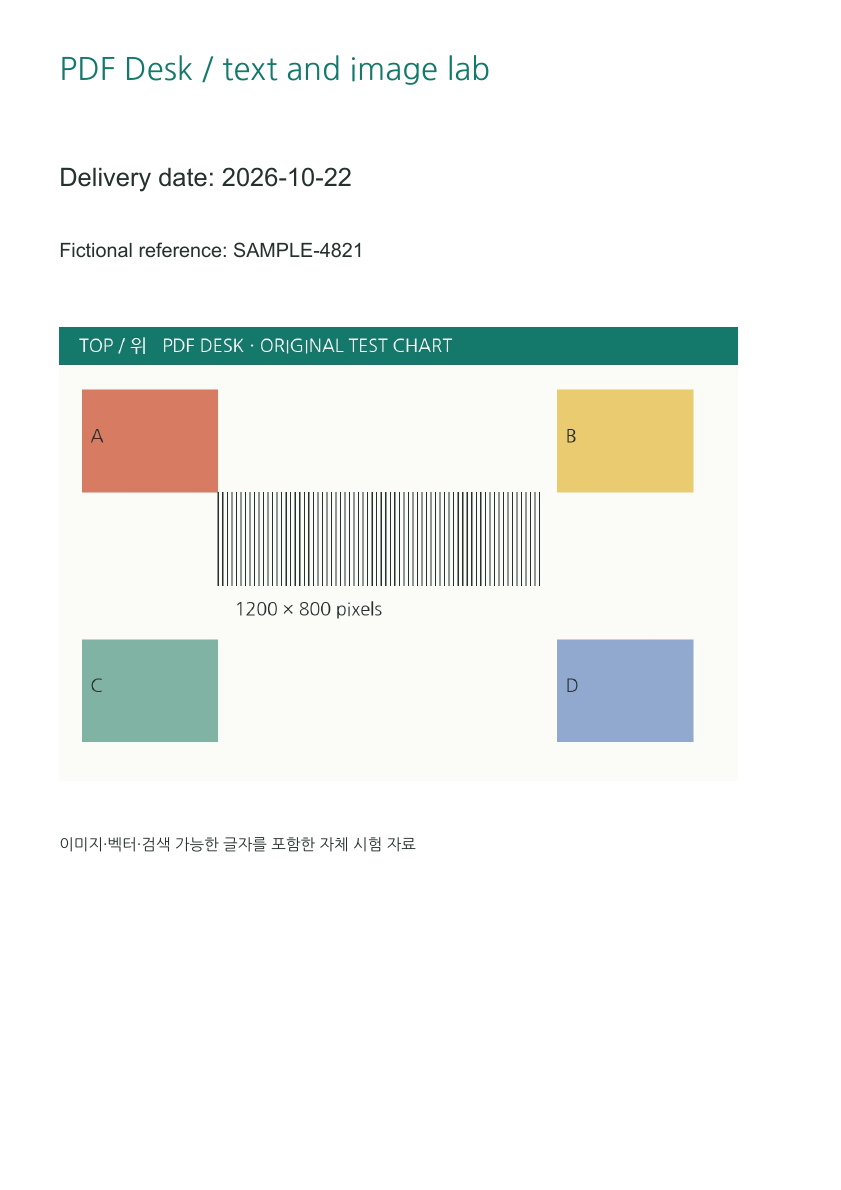
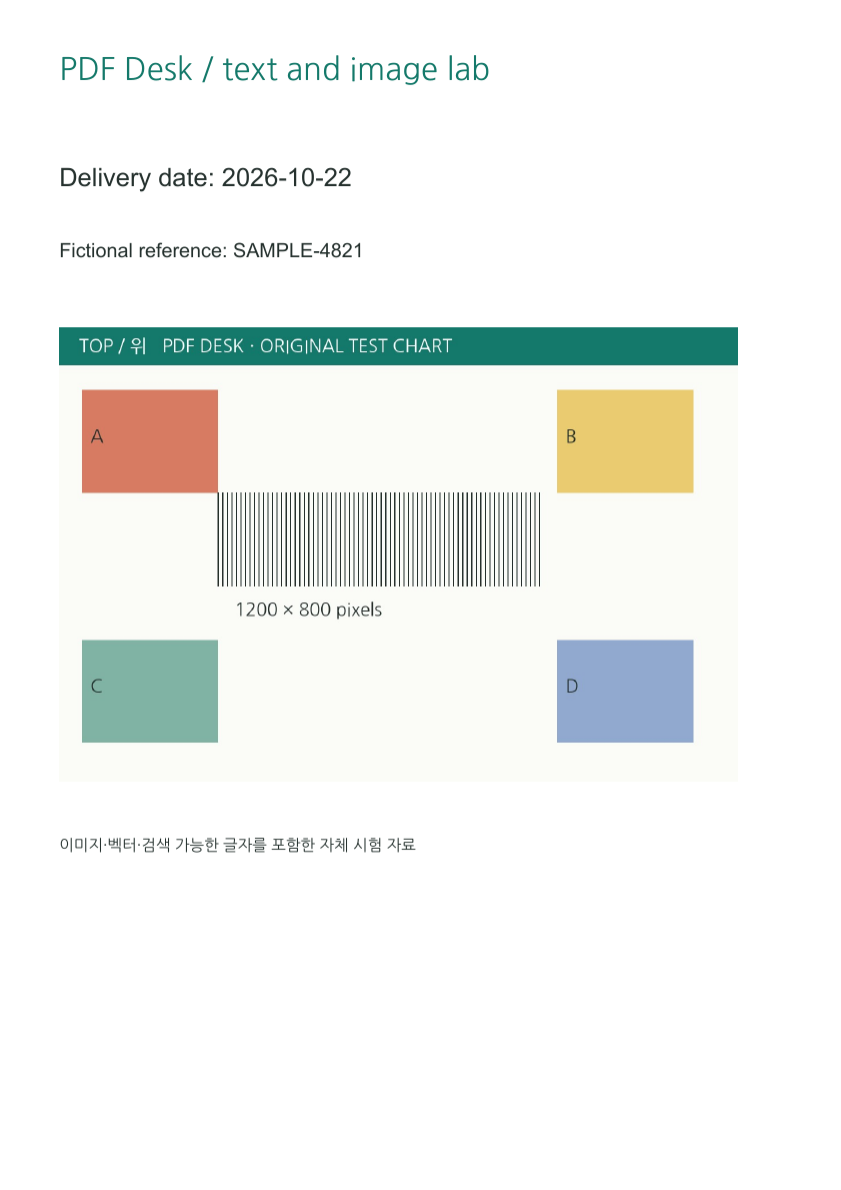
When text cannot be selected, or copied text differs from the page, inspect its representation. text-source contains text operators and artwork. scan-only is a rendered image of that page. scan-ocr adds only one invisible date line as an OCR simulation. No OCR service was used.
Observed differences
The independent parser extracts the date from real text and no text from the scan. It extracts just the date line from the OCR simulation. The visible date in that last file remains an image: changing only the hidden text would not update the page. PDF Desk does not support replacing that hidden original text.
Check the difference
- Search for Delivery date and select and copy the date in all three files.
- Zoom into the scan to see that its letters are also image pixels.
- Compare the workbench original-text lists. The scan is not presented as editable text.
- Check extracted numbers and punctuation against the visible page.
Verification scope and official explanation
Searchability does not prove accessibility tags, correct reading order or accurate OCR. The official pypdf guide distinguishes recognition from extraction of existing text. Our files demonstrate that distinction; they do not verify successful source reconstruction or external OCR processing.
Files to inspect yourself
- Original with real text (text-source.pdf)
- Image-only scan (scan-only.pdf)
- Synthetic hidden-OCR date (scan-ocr.pdf)
Crop coordinates, scale, source hashes and fresh extraction · Rechecked: 2026-10-24 · pdftoppm version 26.07.0 · pypdf 6.10.0 · pdfplumber 0.11.9. Original PDFs were not modified.
Environment, date and evidence boundaries
Checked: 2026-10-23 · Windows / Chrome 155 · pdf-lib 1.17.1 · PDF.js 6.4.299 · fontkit 1.1.1 · pypdf 6.10.0 · pdftoppm version 26.07.0. PDFs and artwork are original; NanumGothic uses OFL-1.1. Tables and files record direct observations; explanations interpret those structures. Physical OS keyboard input, phones and every PDF reader are outside this test.
Official reference explanations (separate from measurements): pypdf: text extraction and OCR
Reproduction code: scripts/lab-inputs.py, lab-outputs.mjs, lab-derived.py, tests/readiness-browser.mjs and tests/lab-pdf.py.